Your property management software already holds years of proof about how you run your business, down to every work order and lease. Connect it to PropertyManagement.com and that history goes to work: verified numbers on your profile, a private scorecard for your team, a stronger score for the 2027 Top 100 and property owner surveys that build their own list.
What connecting your tools gets you
1. Verified numbers on your public profile
Once you connect, your profile can show verified performance numbers calculated from your own software. The Certifications page in your dashboard tracks six performance metrics: Speed of Repair, Speedy Leasing, Rent Collection Rate, Occupancy Rate, Lease Renewal Rate and Rental Price Accuracy, which is still in beta. Property owner survey results and your credentials, like NARPM Membership, sit right alongside them.
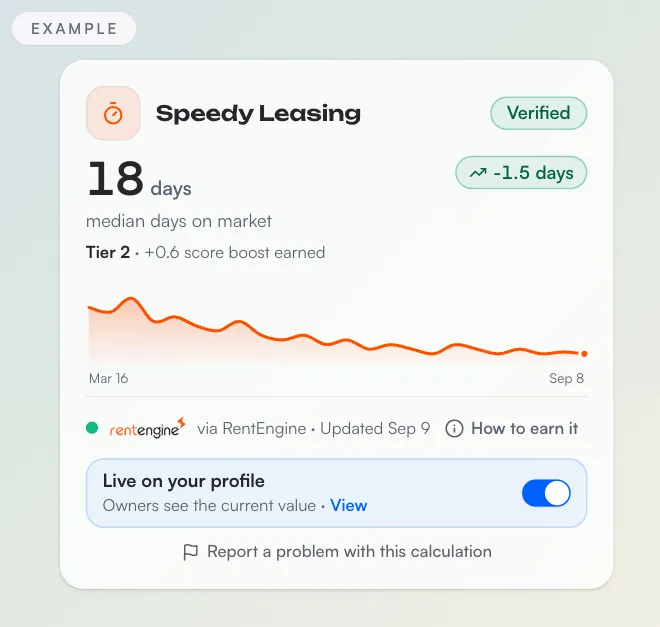
Your data is yours. You choose exactly which performance metrics and survey results are public. Every metric has its own Live on your profile switch, so you can publish the numbers you're proud of and keep the rest private while your team works on them.
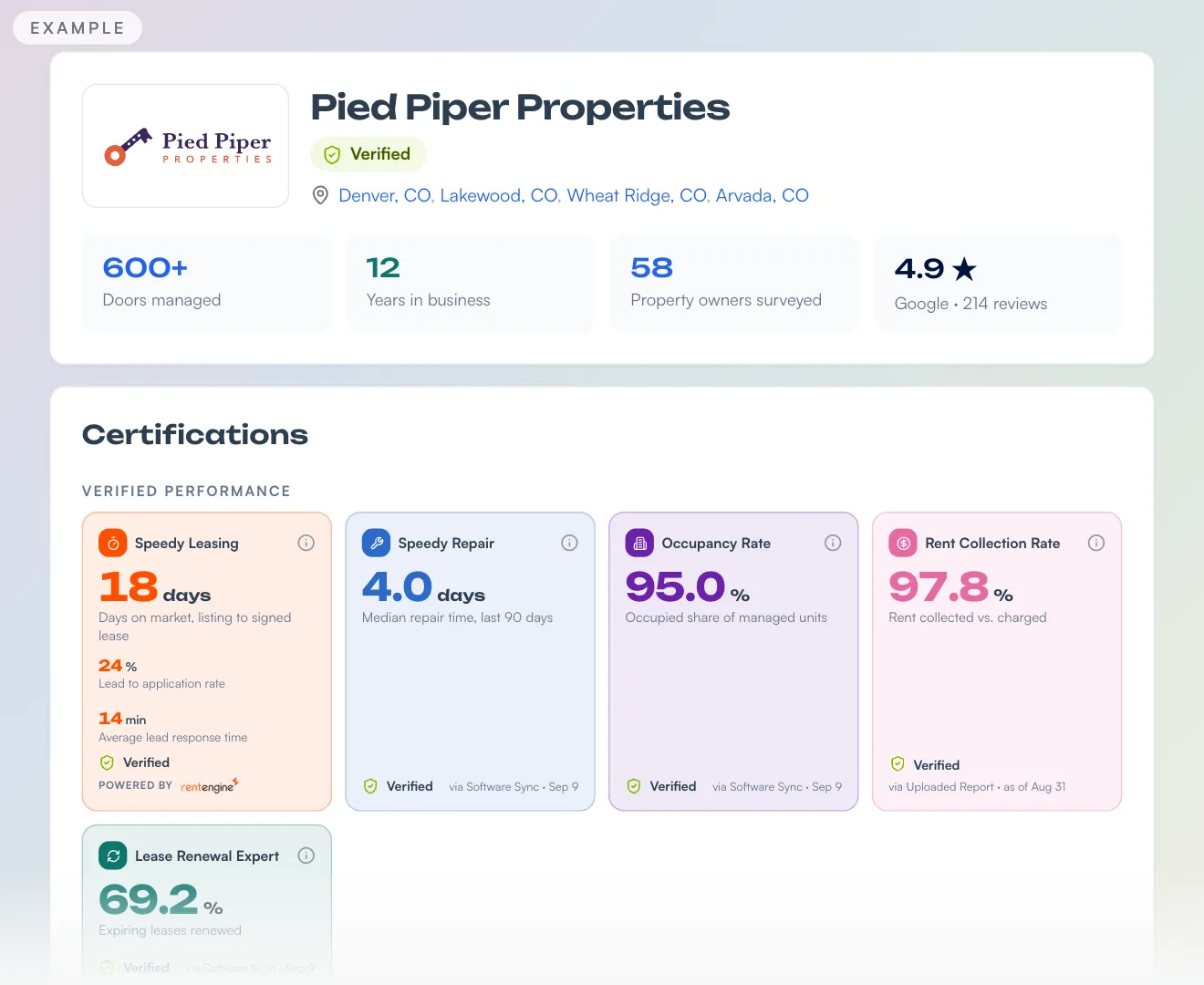
2. A private Certifications page that tracks your numbers over time
Only your team sees the Certifications page. Each metric gets a card with its current number and a trend line that builds with each sync, so you can spot repair times creeping up or a slow leasing month before a property owner calls you about it. It's a simple way to decide what to fix first.
An uploaded report counts too, but it gives you one number from one point in time. The card says it plainly: One number from your report. No trend until you connect your tools.
3. A score boost for the 2027 Top 100
As of October 23, 2026.
On November 30 at 11:59 PM ET, we capture the Baseline Score of every verified company on PropertyManagement.com. The 2027 Top 100 is announced December 15. Verified data decides the list. No fee can buy a score or a spot.
Survey results set the foundation of your score, and every performance metric you unlock adds to it. Any synced value earns at least +0.25 per metric, and stronger performance earns up to +1.0. The boost is earned when a metric unlocks, published or not, and uploaded reports count toward your score too. How We Rank the 2027 Top 100 covers every rule, including how to qualify.
4. Property owner surveys on autopilot
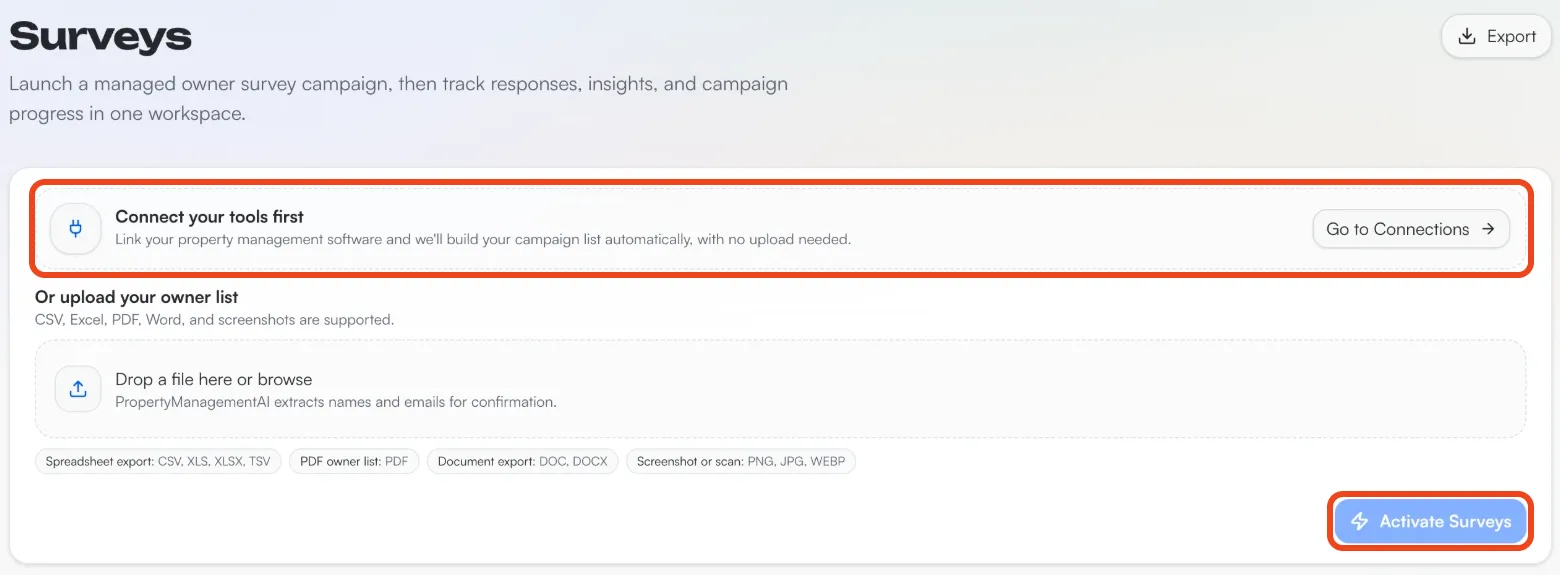
The hard part of surveying property owners is building the list. Once your software is connected, we build your campaign list automatically, with no upload needed. Turn on the managed campaign and the invites go out for you in three batches, seven days apart. Going live adds +3.00 points to your score.
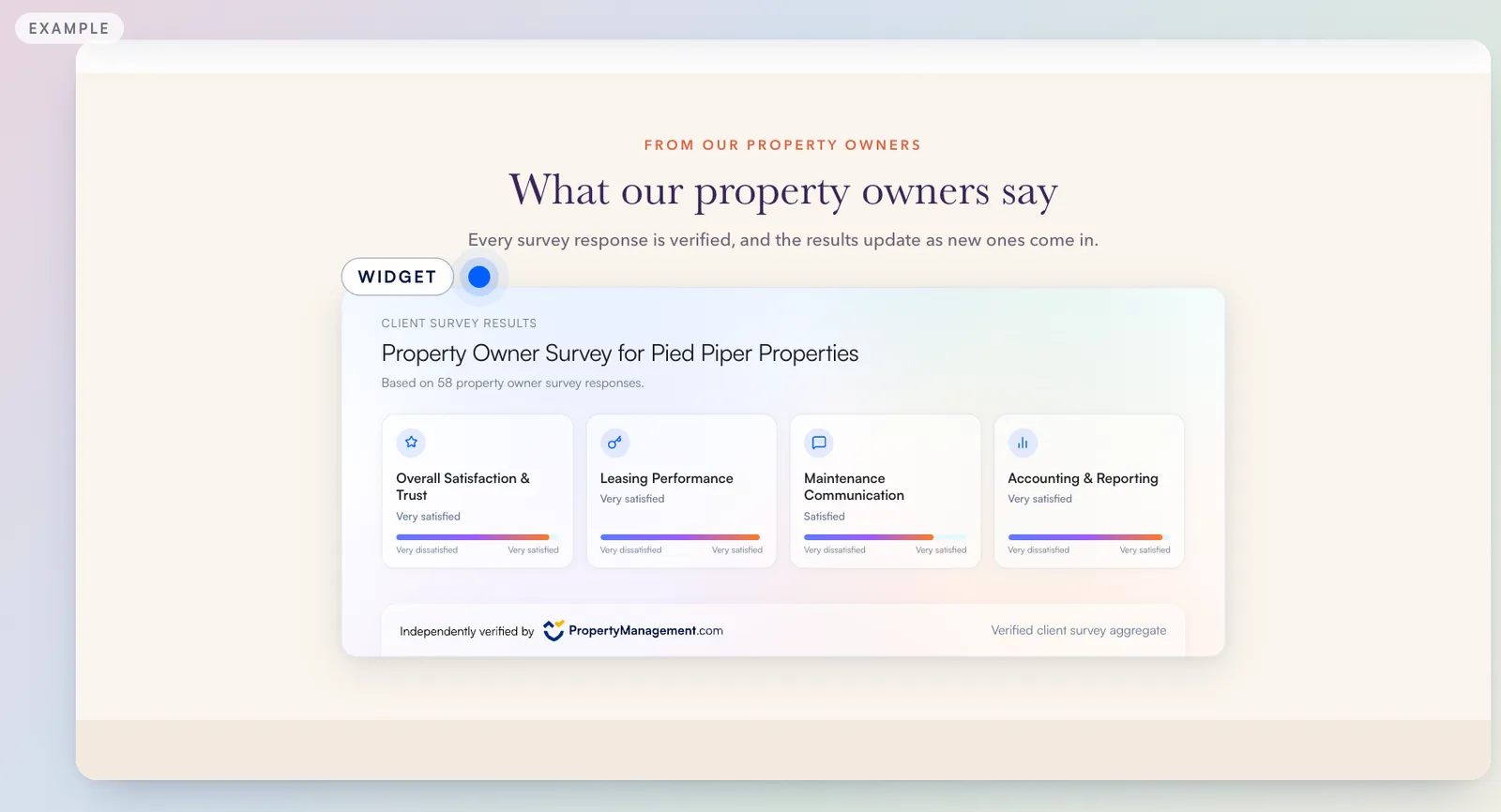
Survey results show up on your Certifications page next to your performance metrics: Net Promoter Score, Overall Satisfaction, Call Response Signal and Survey Score.
5. Your verified numbers in AI answers and sales conversations
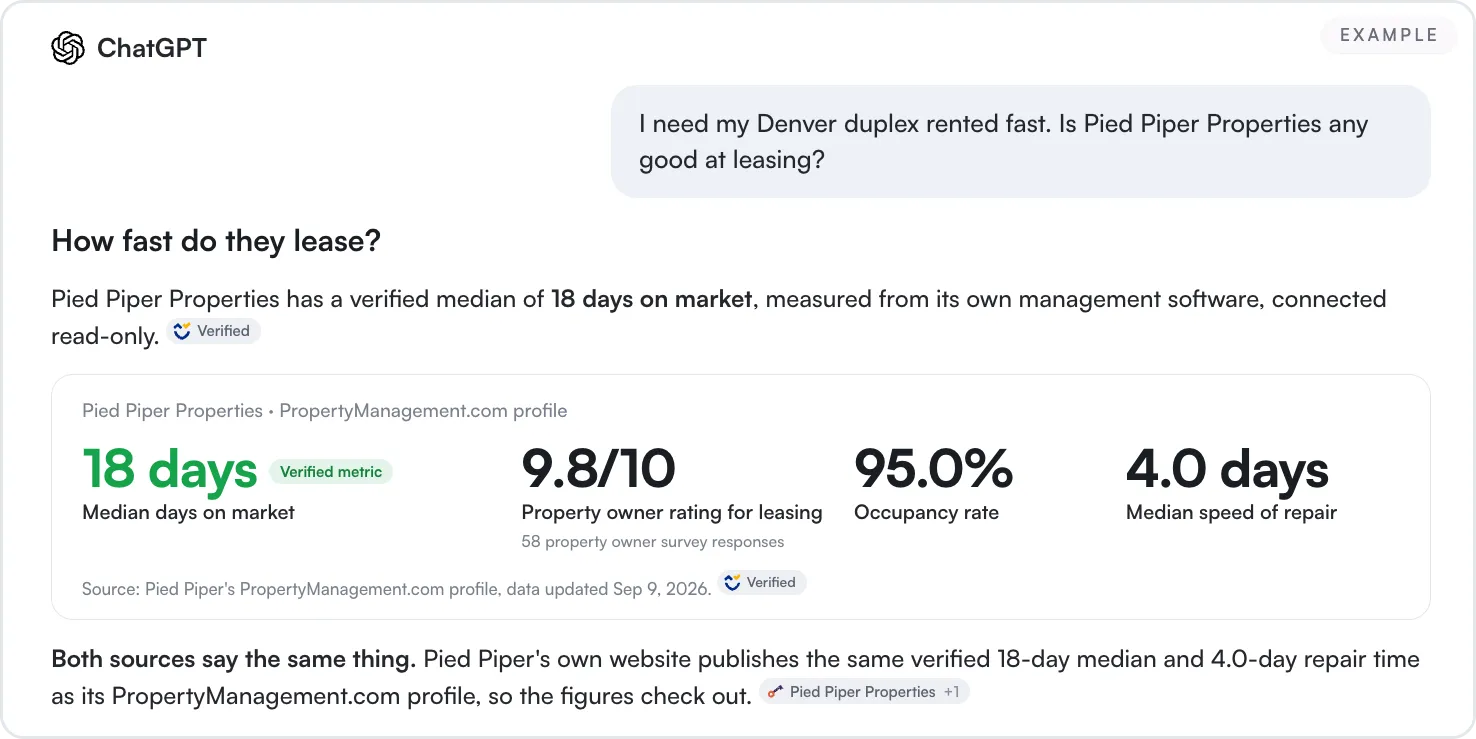
ChatGPT already cites the verified metrics and property owner survey ratings on PropertyManagement.com profiles, and it labels those citations Verified. We saw it ourselves in October 2026. No one controls what an AI tool says about a given company, but verified numbers give it something solid to quote.
Your Verified Profile is a sales tool, too. Attach it to your follow-up emails and drop it into your proposal decks, so a property owner can check how you actually perform before they decide. It also helps you stand out with the real estate agents you want as referral partners: when one of their buyers picks up an investment property, or a client would rather rent their house than sell it, the agent already knows your numbers.
If you're a member, you can put your results on your website too: the Website Widgets page in your dashboard has the TrueMatch Badge and Survey Results widgets. Click Email embed to your team and your web person gets the install snippet and brief steps, with no dashboard access required.
How we handle your connection
The connection only reads, and it never changes anything in your software. Your credentials are encrypted, and you can disconnect any time from Connect Tools.
How to connect your tools
If someone else on your team handles your software's admin settings, forward this guide to them.
Step 1: Open Connect Tools
Log in to your Client Dashboard and open Connect Tools. It's in the left menu under Performance, and the Connect tools button on your Dashboard goes to the same place.
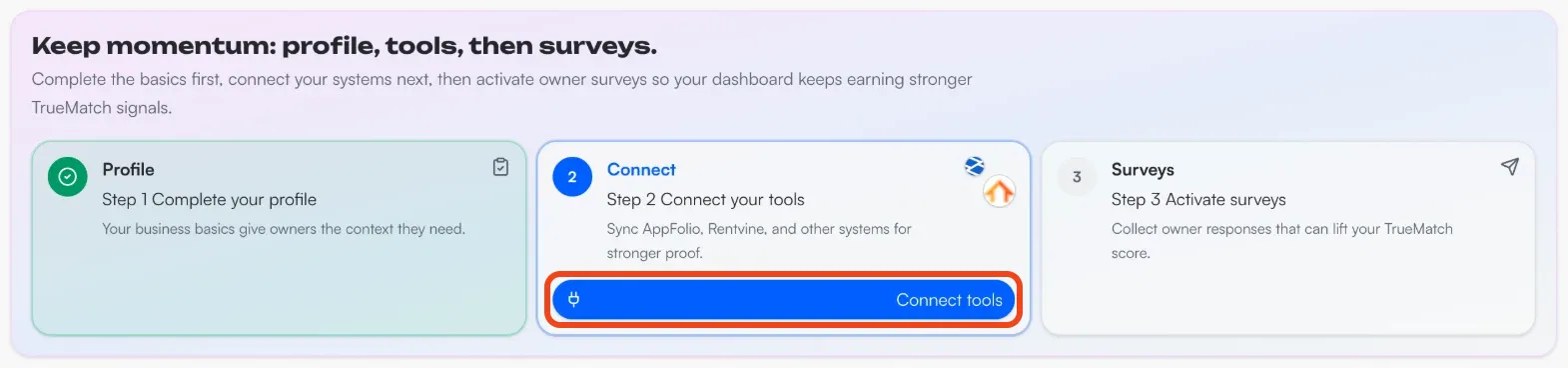
Connect Tools has a card for each of the six tools you can connect today: RentEngine, Rentvine, AppFolio, Rent Manager, Buildium and Property Meld. Start with your property management software. If you run leasing in RentEngine or maintenance in Property Meld, connect those too, each from its own card.
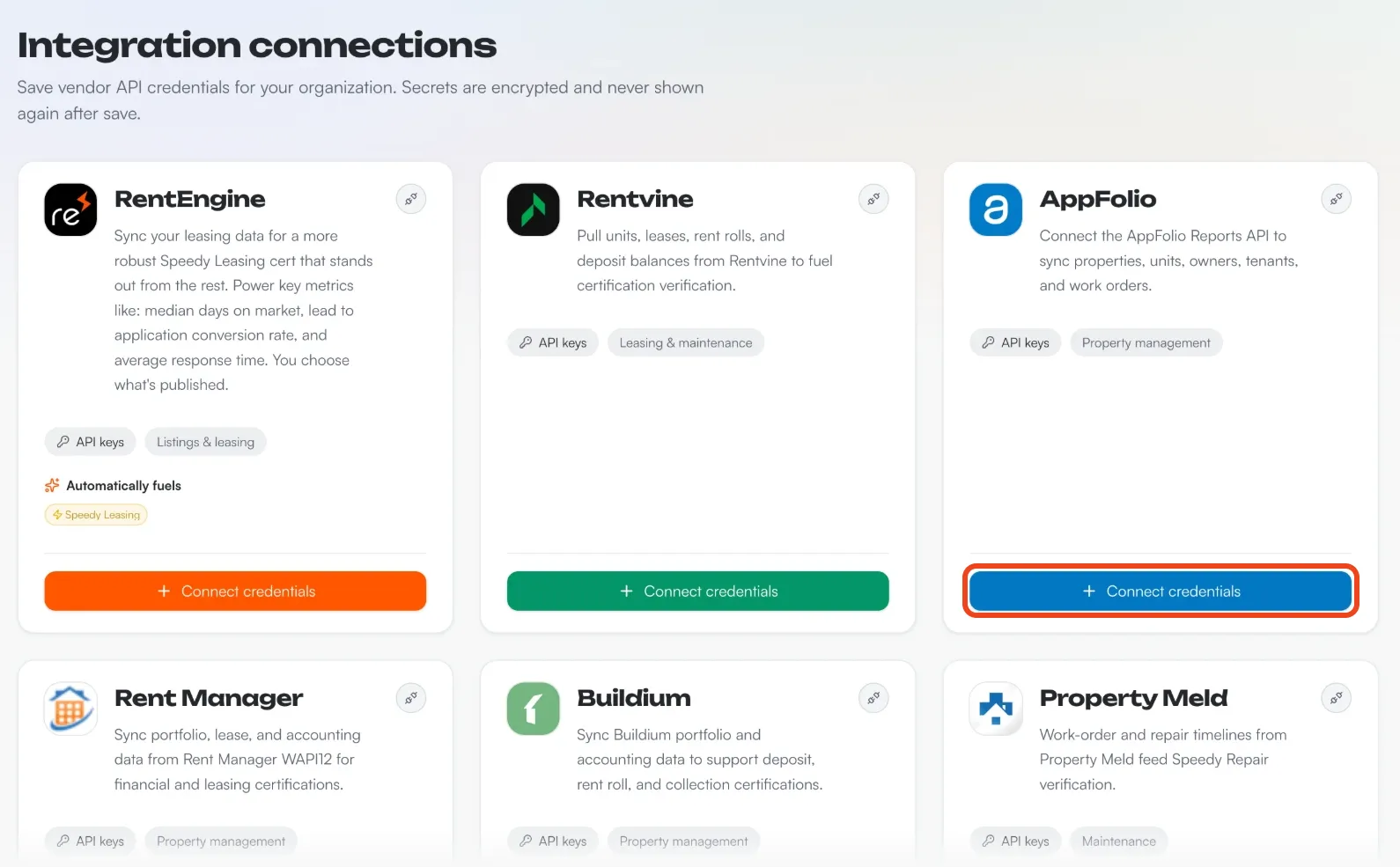
Step 2: Get your API credentials
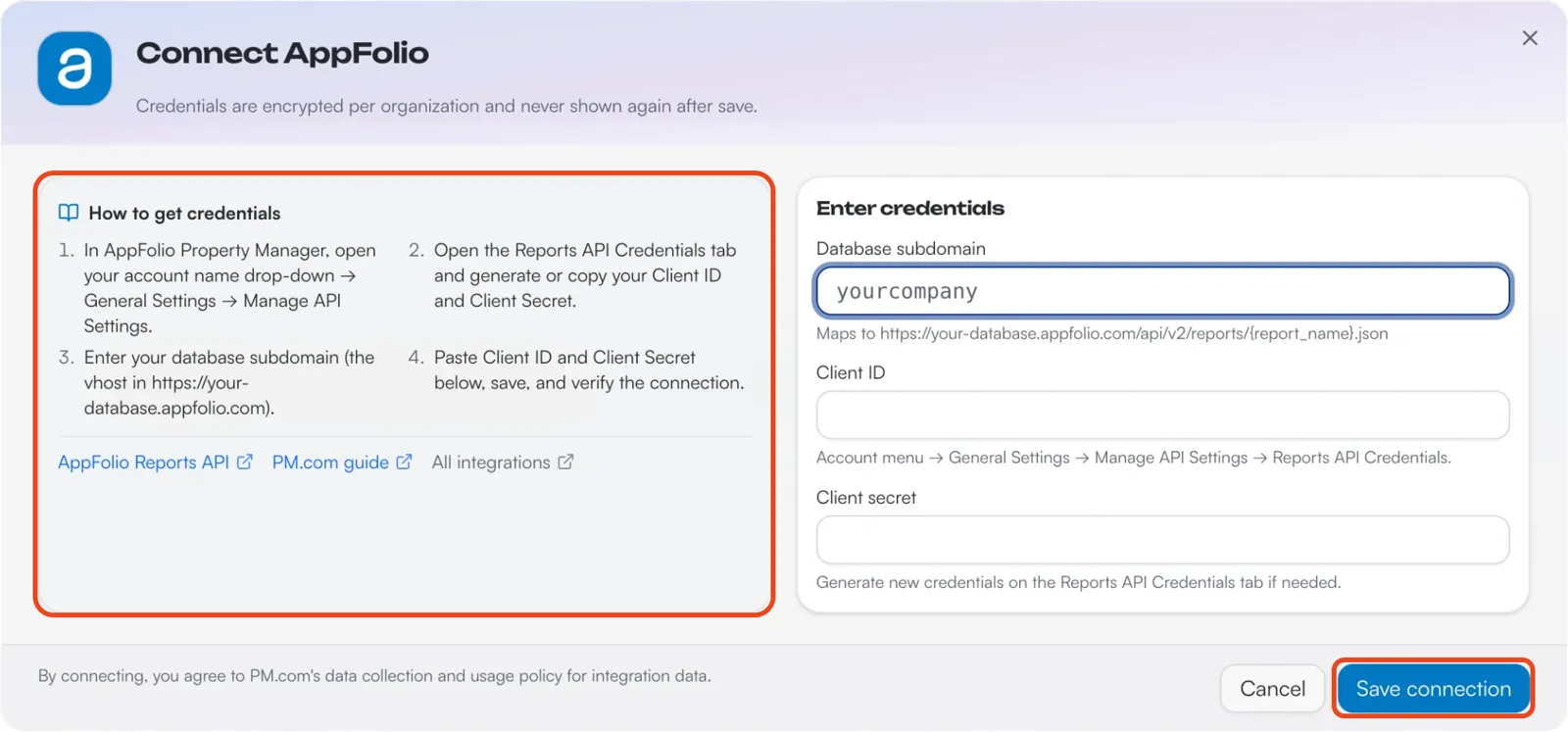
Click Connect credentials on your software's card. The window that opens lists the steps for that software under How to get credentials, with links to the vendor's own help pages. You'll copy a few values from your software's settings, like an API key or a client ID and secret.
Our step-by-step guides go further for these tools:
- AppFolio: How to Connect AppFolio. The connection runs on AppFolio's Reports API, which isn't included on every AppFolio plan.
- Rentvine: How to Connect Rentvine walks through the read-only role we recommend.
- Property Meld: How to Connect Property Meld. Property Meld support turns on API access for one of your admin users, and then you create a Client ID and Client Secret.
- Everything else on the list: follow the steps in the Connect window. Full guides for those are on the way.
Step 3: Paste your credentials and click Save connection
Paste the values into the fields under Enter credentials and click Save connection. Credentials are encrypted per organization and never shown again after save, so if you ever replace them in your software, update the connection with the new ones.
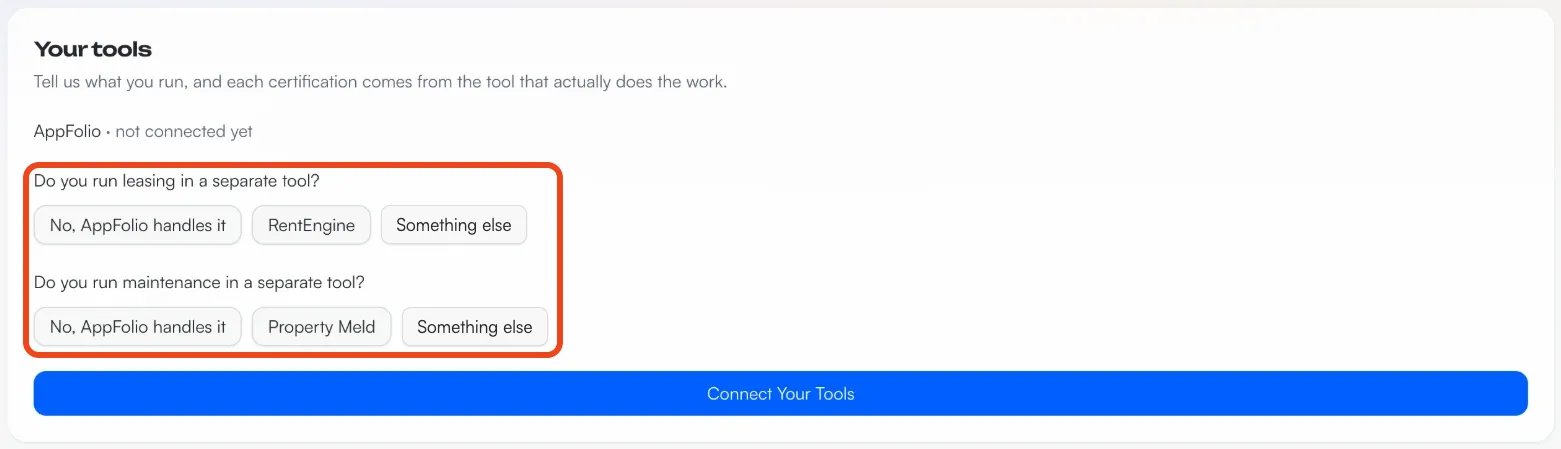
Step 4: Tell us which tool runs leasing and maintenance
Open your Certifications page. The Your tools panel at the top asks two questions: Do you run leasing in a separate tool? and Do you run maintenance in a separate tool? Each certification comes from the tool that does the work:
- RentEngine powers Speedy Leasing when it's connected, and adds two leasing metrics: lead to application and response time.
- Property Meld powers Speed of Repair when it's connected.
- Your property management software powers everything else.
- A tool we can't connect yet: pick Something else, and the certification card shows your other options, like uploading a report.
Your cards fill in as your data syncs. When a card shows its Live on your profile switch, you decide whether property owners see that number.
Step 5: Turn on your property owner surveys
Open Surveys and click Activate Surveys. Your connection supplies the property owner list.
If your tool is not listed or you have no API access
Some companies can't connect yet, because their software isn't on the list or their plan doesn't include API access (an AppFolio plan without the Reports API, for example). We'll get you set up either way.
Book a call with our team
Book a Member Activation Call. It's 30 minutes, and we'll work out the best way to get your numbers verified.
Upload a report from the certification card
On your Certifications page, use Upload a report on the certification you want. Upload a newer one any time to refresh the number. How to Get Certified lists the exact report each certification needs.
Common questions
Who sees my numbers?
Your Certifications page and your Baseline Score are private to your company. Property owners see a metric only while its Live on your profile switch is on.
What if a number looks worse than I expect?
Keep it off your profile while your team works on it. A number you keep private still earns its score boost. If you think we got the math wrong, click Report a problem with this calculation on the card.
Do I have to connect to make the 2027 Top 100?
No. You qualify with verified property owner survey responses and a complete profile. Connecting makes the survey step easier, because we build your property owner list for you, and each certification you add raises your score.